Follow the space
Start with nested treemap boxes or switch to a sunburst chart. Browse folders by size as the scan progresses.
Find the folders taking up space. Explore the details. Review what to keep, back up, or remove.
Explore Disk ProFor Mac · Coming soon to the Mac App Store
Illustrative storage map
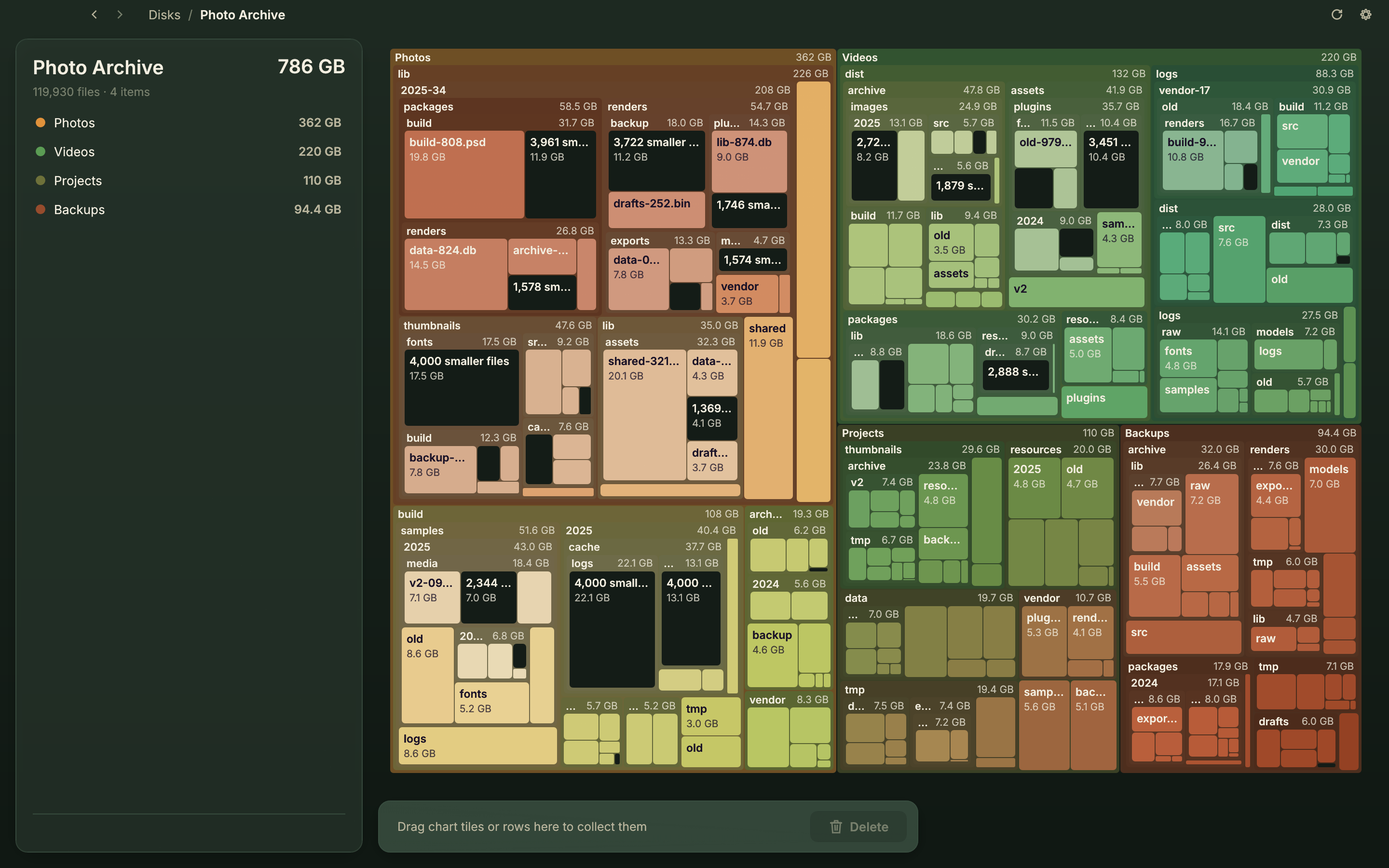
Disk Pro turns a selected folder into a visual map. Larger areas mean more storage, so you can follow the space from the overview down to individual files.
Start with nested treemap boxes or switch to a sunburst chart. Browse folders by size as the scan progresses.
Scan local folders and mounted external drives you authorize. macOS keeps protected locations protected.
Gather items in the collector, inspect the selection, then confirm a move to Trash or permanent deletion.
Choose a backup destination before cleanup. Disk Pro copies the selected items before attempting removal.
Disk Pro works locally. No account to create, no advertising, and no app analytics or background uploads.
Read the privacy policySelect a folder through the macOS picker to grant access. Saved folder permissions can be used again after restarting. Denied locations may be skipped, and a scan does not guarantee a complete picture of the entire disk.
US$49.99
Planned US App Store price. No subscriptions, in-app purchases, or feature unlocks. Local pricing and taxes may vary.
The app is being prepared for publication. Purchasing is not yet available.
You choose the folders it can access. The Store edition respects macOS sandbox and privacy restrictions; some system and protected locations may be unavailable.
No. Allocated sizes are estimates; APFS clones, snapshots, open files and Trash can affect how much space becomes available.
Items moved to Trash can usually be restored until Trash is emptied. Permanent deletion has no undo. Keep an independent backup of important data.
This edition scans local and mounted folders. It does not include SSH, cloud-account connections, downloaded tools, or forensic secure erase.